
Automate the repetitive work. Keep the control.
Actable carries out repetitive office tasks for you. You describe a process in plain language, and Actable does it on your computer: on websites, desktop applications, email and documents.
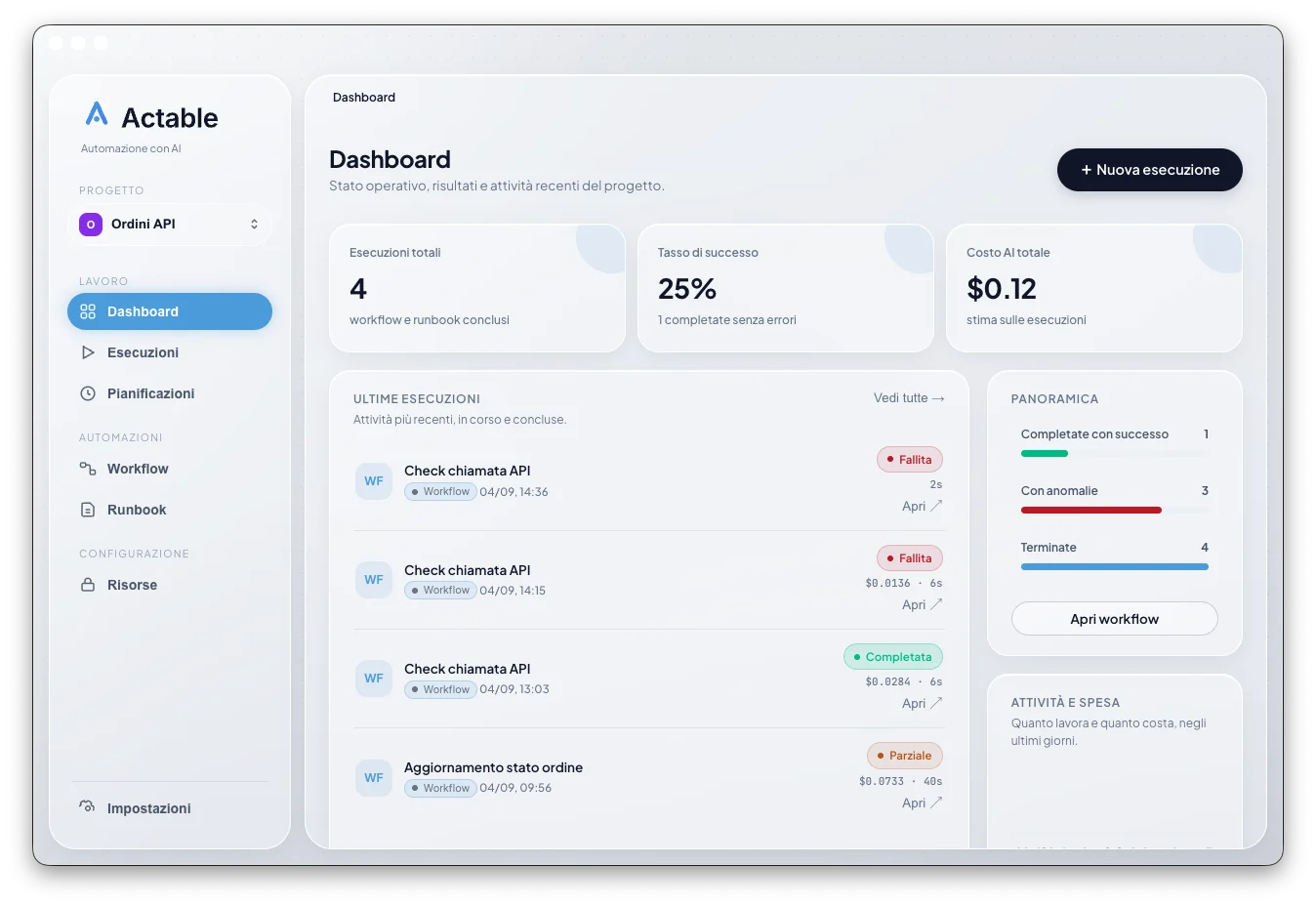
From a written procedure to a finished task
- 1
Describe
Write the steps in plain language, the way you would explain them to a colleague.
- 2
Run
Actable looks at the screen, performs each action and checks the result before moving on.
- 3
Review
Every run ends with a report: the data collected, the files created, the time and the AI cost.
What is a runbook?
A runbook is one process written in plain words: which program to use, which values to ask you at launch, and the list of steps to follow. Actable reads it and carries it out on your computer. Several runbooks can be chained into a workflow. Watch one at work.
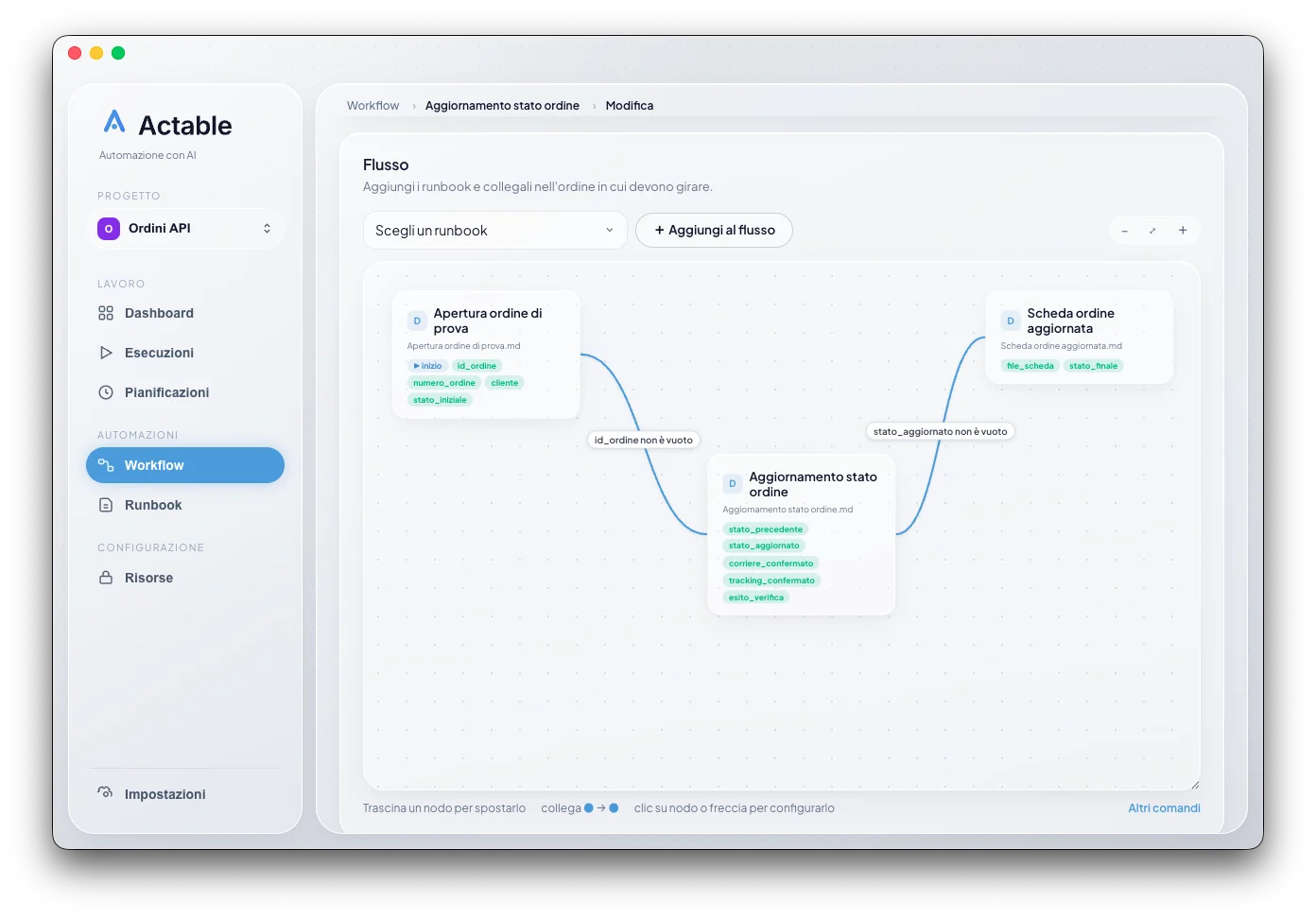
Write the steps once, chain them into a flow
Each automation is a short list of steps in plain language. Connect several of them into a workflow: data found by one step flows into the next.
- Works on websites and desktop programs through the screen
- Conditions and repeats between the steps
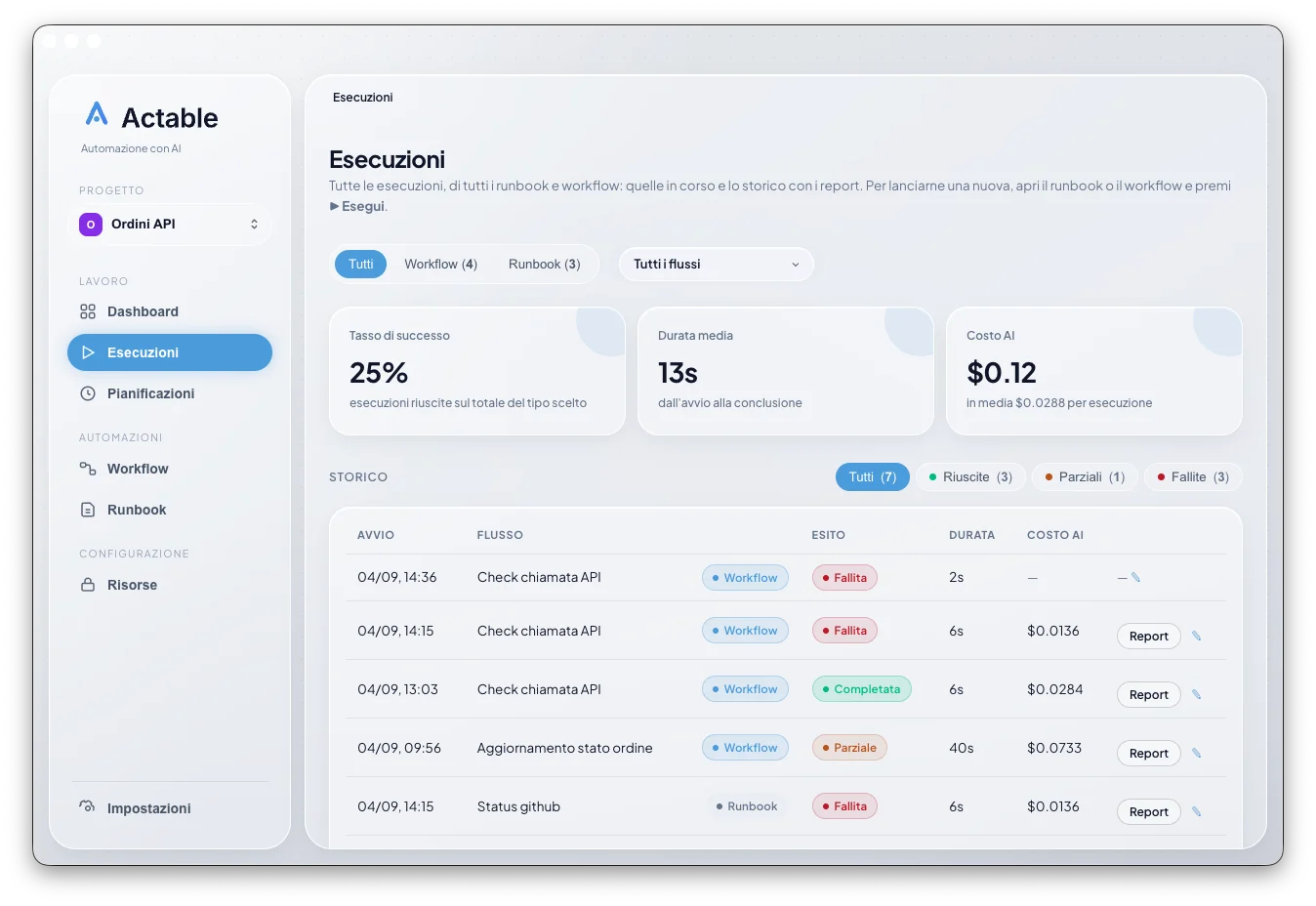
Every run, with its outcome, time and cost
See what ran, what succeeded and what needs attention. Each run has a report of the actions performed, the data collected and the files created.
- Successful runs are replayed faster the next time
- Scheduled runs at set times
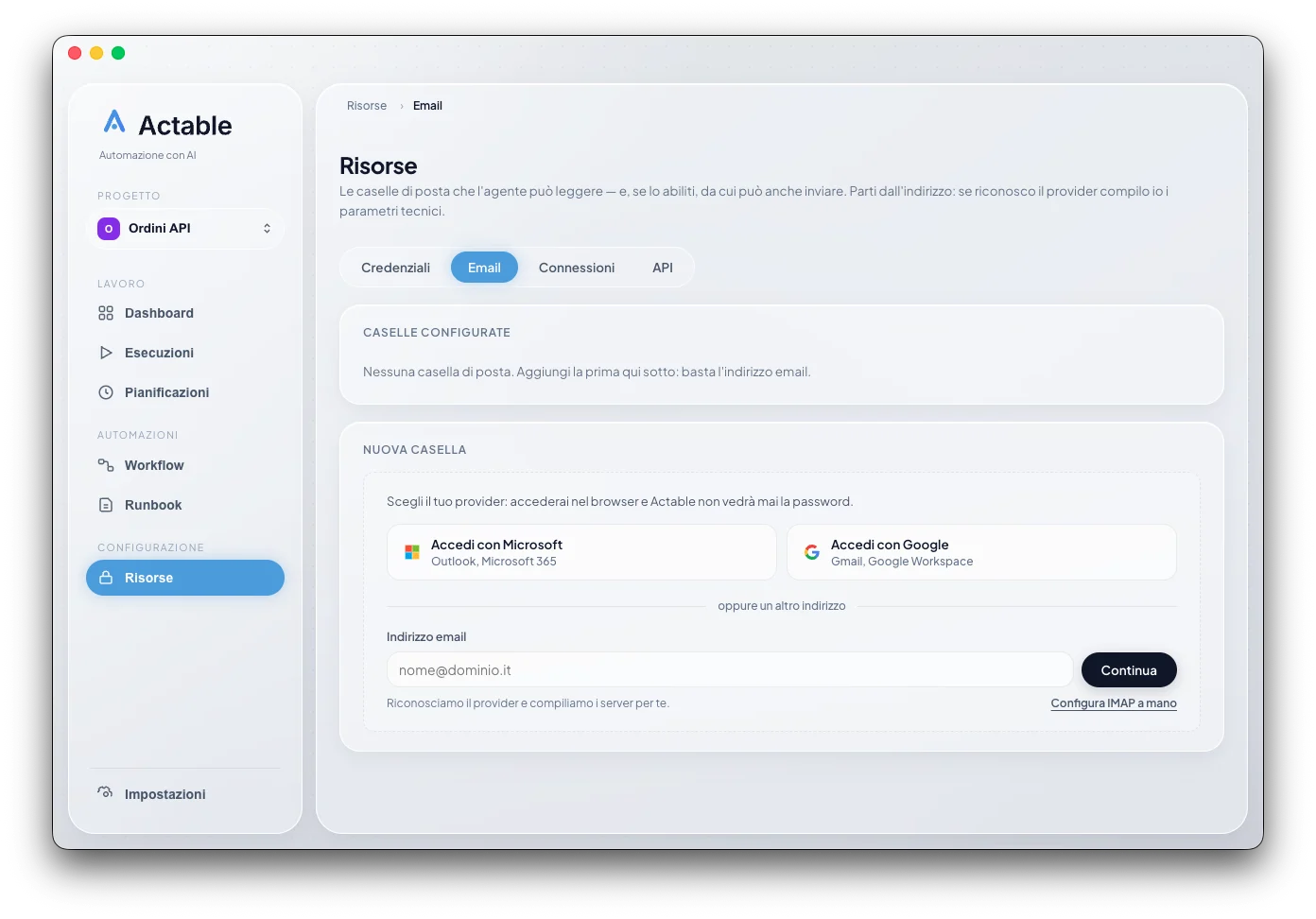
Your mailbox, connected with Google or Microsoft
Connect Gmail or Microsoft 365 through the provider's own sign-in page: Actable never sees your password. Automations can read emails and attachments, and send messages only to recipients you allowed.
Built for real office work
Automations run on your computer, with the AI provider and the key you choose.
Web and desktop apps
Management software, portals and internal tools, with no special integration.
Documents
Reads PDFs, creates Excel and PDF files, uploads them to Google Drive or OneDrive.
Secrets stay local
Passwords are encrypted in the system keychain and never reach the AI.
Only allowed sites
Each automation lists the apps it may open; everything else is blocked.
Sign in with Google or Microsoft
Connecting an account is optional. When you do, Actable asks for permission through the provider's own sign-in page: it never sees your password, and it uses that access only to run the automations you set up. Data is processed on your computer and is not sent to servers operated by IG Solutions.
- Gmail: search emails, read their content and attachments, and send messages to recipients you allowed. Existing messages are never deleted or modified.
- Google Drive (
drive.file): upload the files Actable creates to the folder you choose.
Actable's use of information received from Google APIs adheres to the Google API Services User Data Policy, including the Limited Use requirements.
Microsoft
- Outlook and Microsoft 365: search emails, read their content and attachments, and send messages to recipients you allowed. Existing messages are never deleted or modified.
- OneDrive: upload the files Actable creates to the folder you choose.
You can disconnect an account in Actable at any time. Details in the Privacy Policy.
Let the repetitive work run on its own.
Actable is made in Italy by IG Solutions, for macOS and Windows.
Get in touch
Questions about Actable or an automation you have in mind? Write to us and IG Solutions will get back to you.